
Working protocol with independent tools
External measurement ecosystem: independent tools produce live scores; the engine binds results via bridges.
The tool-to-domain matrix: the domain and timing map of independent validation.
Run-and-read notes for the six main tools used in the Deploy-Verify pass
SecurityHeaders
Enter the domain, read per-header; gaps map to the .htaccess recipe. If the grade is low, check cache/processing first.
Mozilla Observatory
Compare the post-scan suggestions with our header recipe; overlapping advice merges into one policy.
SSL Labs
Full analysis takes 1-2 minutes; read chain, protocol and OCSP rows. Server-side findings go to external recipes.
PageSpeed / Lighthouse
Write lab metrics into the readiness column; field (CrUX) data is a separate column. Never report the two as one score.
Rich Results Test
Test schema-bearing sample URLs; on errors re-audit type-page fit and required fields.
Search Console
After verification submit the sitemap; bind coverage and CWV reports to the Monitor rhythm.
External action recipes
The external action map: eight platform areas the engine cannot change in files.
An external action recipe turns steps the engine cannot perform in-file — yet which directly affect web quality — into manageable instructions. The engine never marks these as 'auto-fixed'; it produces recipes answering who, where and in what order.
The recipe universe groups into 24 headings with typical examples: enabling DNSSEC; the SPF/DKIM/DMARC email identity chain; MX layout; Cloudflare security level and WAF rules; HSTS preload submission; Search Console and Bing Webmaster verification; IndexNow; CDN cache purge; hosting server headers; TLS server configuration; security.txt placement; social-preview debugger refresh.
Every recipe follows the same template: where it applies (panel/record/service), concrete steps, verification path. 'DNS work' stops being a vague task and becomes an actionable item the owner can execute and the engine can later verify.
- DNSSEC · SPF/DKIM/DMARC · MX
- Cloudflare · WAF · HSTS preload
- Search Console · Bing · IndexNow
- CDN purge · hosting headers · TLS config
- security.txt · preview debugger
What the engine does: Turns external steps into actionable recipes.
What it doesn't: Doesn't perform panel/DNS work itself, never claims it did.
What the output is: A 24-heading recipe set (steps + verification).
For decision-makers: A clear ownership list of external dependencies.
For technical teams: The step+verify template cuts operational error.
How runtime bridges attach to the tools
The runtime bridge: four steps from static signal to independent measurement.
A runtime bridge is the bridge layer for checks that cannot be exactly measured from a static file. The principle is simple: the engine fabricates no measurements. Offline, the bridge says 'requires_live' and writes which tool measures which metric and how; live, it routes to the real measurement.
The bridge universe groups into 21 checks with typical examples: SecurityHeaders (header grade), Mozilla Observatory, SSL Labs (TLS grade), PageSpeed/Lighthouse (lab metrics), CrUX (field CWV), social-preview inspectors, redirect-chain tracing, uptime/response headers, the contrast runtime check, a link checker for broken external links.
This layer answers two questions at once: 'who produces live scores' (independent tools) and 'why is the engine still needed' (because the bridge binds measurement to baseline and report; a lone tool score is not a decision surface).
- SecurityHeaders · Observatory · SSL Labs
- PageSpeed · Lighthouse · CrUX
- preview inspectors · redirect chain
- uptime · response headers · contrast · link checker
What the engine does: Binds live measurements to real tools.
What it doesn't: Fabricates no scores; replaces no tools.
What the output is: The bridge list + tool/metric/how template.
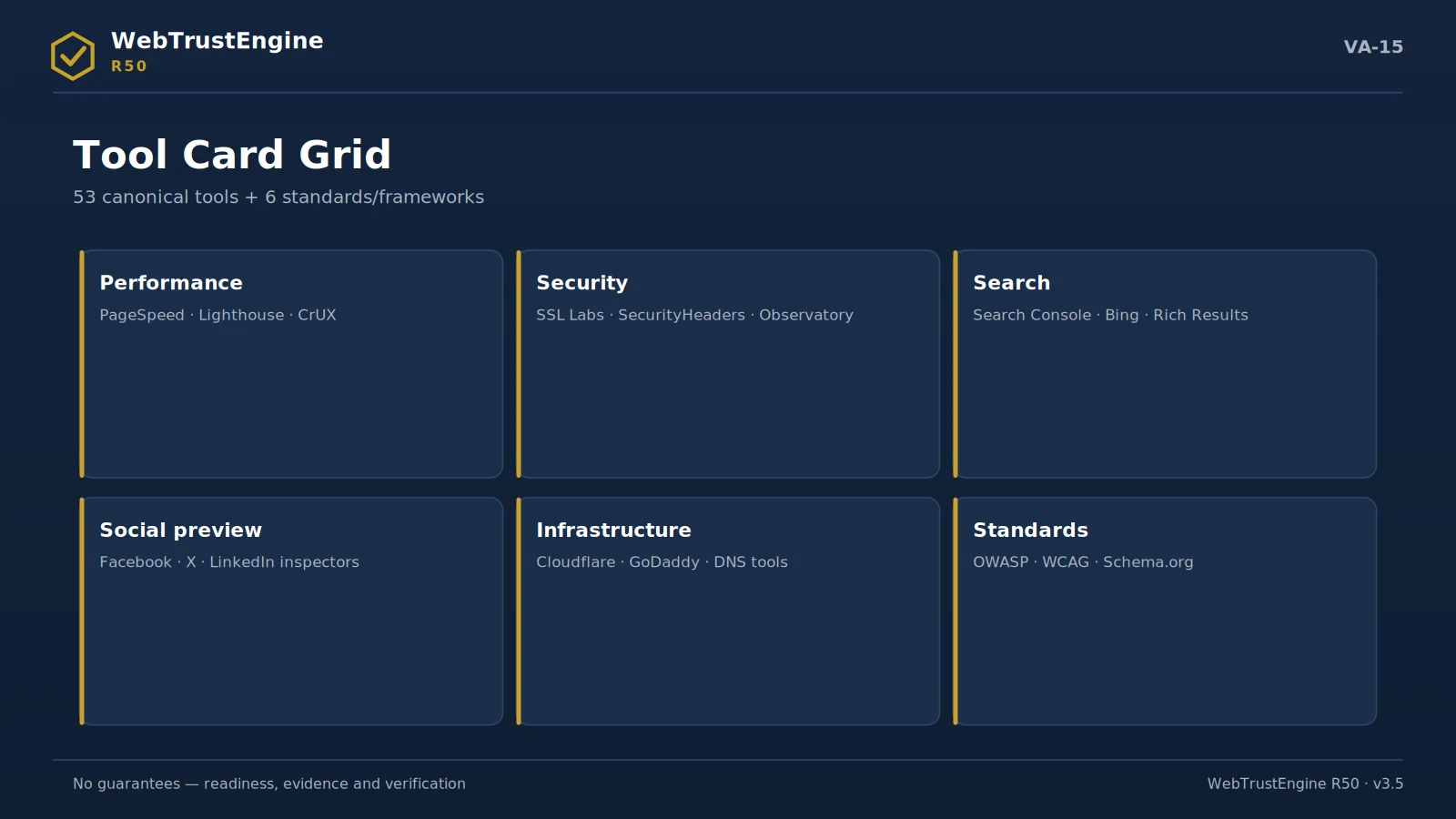
TOOL CARDS I
Measurement & validation tools
Five tools, one principle: grades come from outside.
PageSpeed Insights
Issues the performance grade; the engine flags static readiness and never imitates the result. The recipe states which pages and which device profile to measure; the output enters the evidence folder with its date. When static readiness and field measurement diverge, cache behaviour and image weight are the first places to look.
no automated result claimLighthouse
Issues the performance grade; the engine flags static readiness and never imitates the result. The recipe states which pages and which device profile to measure; the output enters the evidence folder with its date. When static readiness and field measurement diverge, cache behaviour and image weight are the first places to look.
no automated result claimSSL Labs
Issues the TLS grade; the engine classifies certificate/redirect readiness. The protocol and chain sections of the result map to the recipe's checklist. A low grade usually traces back to the TLS version setting in the hosting panel — most fixes live there.
no automated result claimSecurityHeaders
Issues the live header grade; the recipe is engine output. Because headers are processed at the server layer, the grade is meaningful only after deployment. The recipe carries each header's sample value and where to add it; the existing configuration is read first so no duplicate policy is created.
no automated result claimSearch Console
Provides indexing proof; the sitemap is submitted via an external action recipe. The coverage report's discovered/indexed split is compared against the site's true page count. The engine performs nothing in this panel on your behalf; the reading and comparison order lives in the recipe.
no automated result claimTOOL CARDS II
Infrastructure & access tools
Bing Webmaster
Provides indexing proof; the sitemap is submitted via an external action recipe. The coverage report's discovered/indexed split is compared against the site's true page count. The engine performs nothing in this panel on your behalf; the reading and comparison order lives in the recipe.
no automated result claimRich Results / Schema validators
Confirms schema eligibility live. The JSON-LD in production and the test result must carry the identical claim; warnings are usually missing required fields and fall inside SafeFix scope. Whether a rich result is shown is always the search engine's decision.
no automated result claimDNS / MX / DNSSEC tools
Verifies the record layer; changes happen on-platform via recipe. Because of propagation, verification repeats hours after the change and both pulls enter the evidence folder. Mail records (MX/SPF) are handled apart from web changes — the recipes never mix the two.
no automated result claimCDN / hosting panels
Cache purges and header processing happen here. Most post-launch 'old page still showing' complaints originate at this layer; the recipe chains the purge step and the verification pull. Panel names vary, the order does not: purge, wait, pull live, compare.
no automated result claimAccessibility checkers
Automated accessibility scans; expert items sit in a separate class. What automation catches is the measurable layer — contrast, labels, structure; judgement items such as the screen-reader experience wait in the manual-verification class. The two layers are never blended in reports.
no automated result claim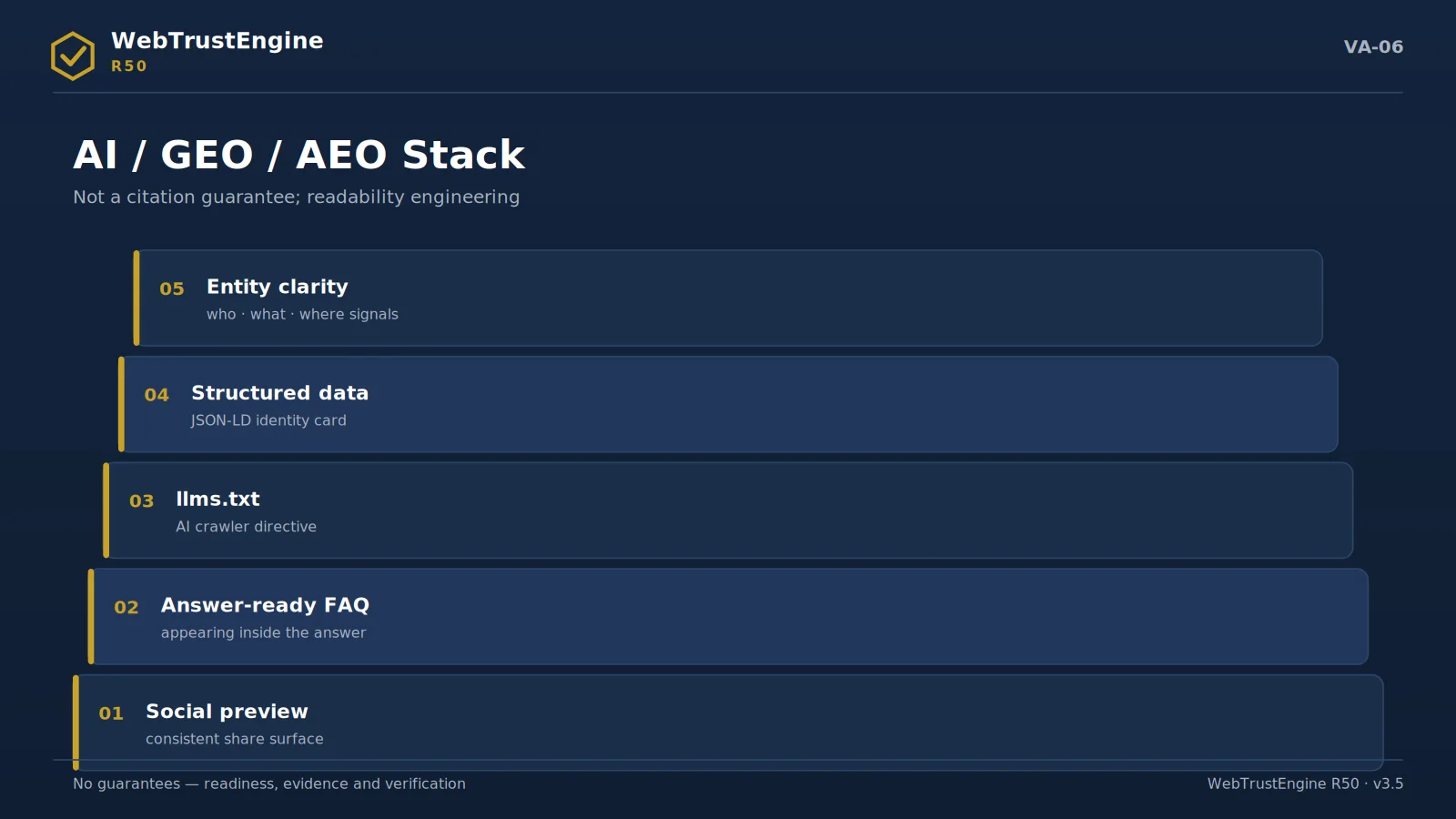
THE PROTOCOL A three-verb protocol: prepare, submit, archive
Working with the ecosystem runs on three verbs. Prepare: static checks clean the surface the tool will inspect — schema error-free, header recipe ready, map consistent. Submit: the external recipe describes which step, with which input, runs the tool — and which field of the result screen counts as evidence. Archive: the returned grade enters the evidence package with its date and address; six months later, 'what did it say that day?' is answered by a file.
Mind the inverse of the protocol too: the engine never predicts, imitates or 'you'll probably get an A' any tool's result. The ecosystem is a panel of referees; the engine's job is to bring you before that panel in your best state.
SELECTION Which tool, when?
The ordering is simple: right after deployment the delivery layer (live headers, SecurityHeaders, SSL Labs), then the discovery layer (sitemap submission to Search Console, Rich Results validation), then the experience layer (PageSpeed/Lighthouse), and on an ongoing basis the record layer (DNS/MX checks, the CDN panel). Each layer has its own recipe; you need not run them all the same day — but you must archive all their outputs in the same folder, because the curve is drawn by a dated series, not by isolated grades.
RECIPE ANATOMY
The anatomy of an external action recipe
To see what the 24 recipes are made of, take one of the most used: submitting the sitemap to Search Console. The recipe opens with preconditions — is domain ownership verified, does sitemap.xml answer on the live URL? Then the steps: select the correct property, open the Sitemaps screen, enter the address in exact form, submit. Then the verification criterion: a "Success" status and a discovered-URL count consistent with the site's reality. It closes with an evidence instruction: date and screenshot into the evidence folder.
What the recipe cannot do is written into it as well: the engine does not enter your account, does not submit on your behalf, and never pre-announces an "indexed" outcome. A recipe makes the work on an external platform repeatable and auditable — it does not appropriate it.
ROLE SPLIT
Who runs what
The ecosystem works because roles never blur. The engine produces the static classification and prepares bridges and recipes. Your team — or the service operator — runs the recipes inside your own accounts and files the outputs as evidence. The independent tools issue the grades and the official results. None of the three ever crosses into another's lane, and that is precisely why each layer's word carries its own weight.
A COMMON SCENARIO
PageSpeed came back low — now what?
The recipe's answer is a sequence, not a shrug: first compare the live result with the static readiness record — if readiness was green, the gap is almost always cache, image weight or a third-party script added after delivery. Purge, re-measure, and only then touch files. If readiness itself was amber, the findings map already names the files; those go to SafeFix or Build, and the re-measurement enters the evidence folder next to the first. Two dated results, one visible cause chain — that is what turns a tool grade into governance.
Quick answers
Instead of tools?
No; bridging and classification.
Who produces scores?
The tools themselves.
Why 53+6?
A canonical base; not an arbitrary list.
Do results enter the report?
Bound to baseline via bridges.
Can tools be added?
The ecosystem grows by release.
Next step
From SecurityHeaders to PageSpeed, OWASP to WCAG: the engine doesn't replace tools, it governs their signals.